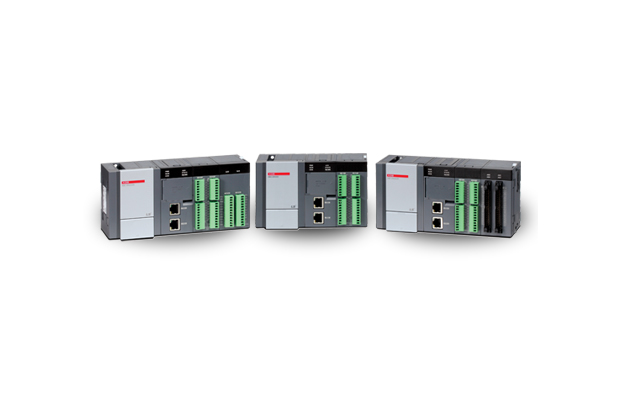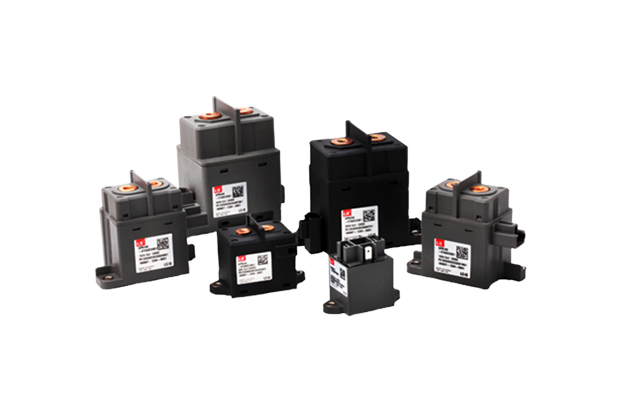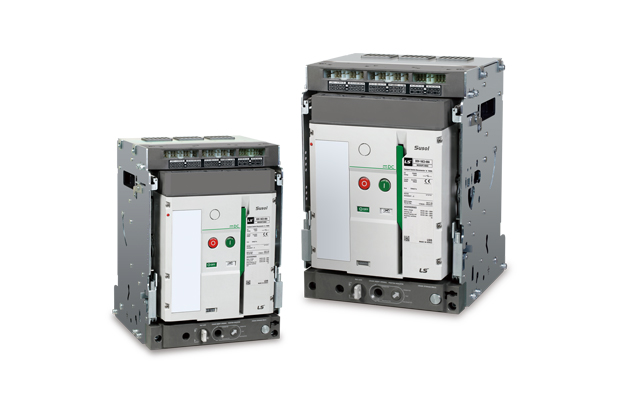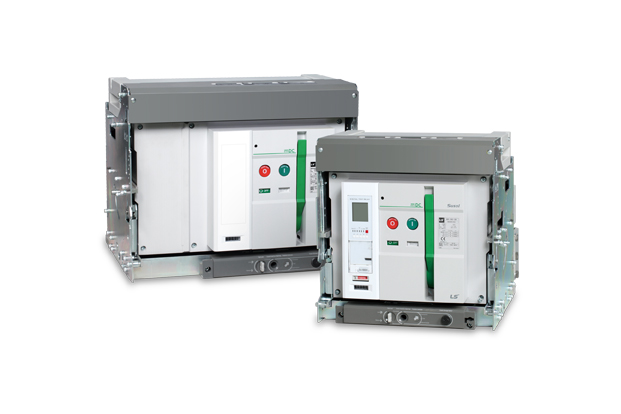


product Image
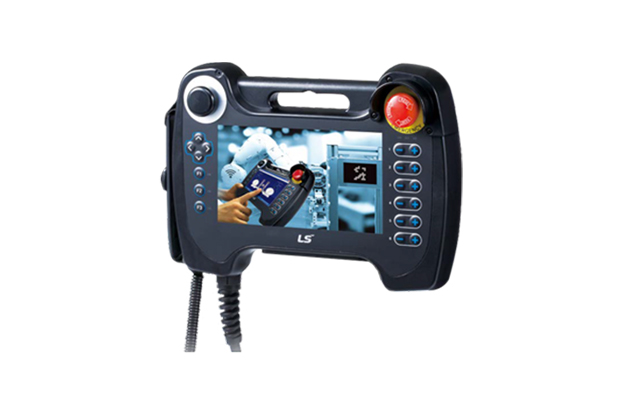
XGT Panel (iXP2H Series (Handheld))
모델명
iXP2H-0702D Series
시리즈
HMI (Smart Automation Solution)
자료
-
구매정보
provider logo
엘에스일렉트릭(주)

전력솔루션과 자동화 솔루션, 글로벌 스마트에너지 솔루션 기업, Smart 전력송변전 솔루션, Smart 전력배전 솔루션, Smart 산업자동화 솔루션 등

연락처
1544-2080
이메일
-
상품정보에 문제가 있나요?
정보수정 / 삭제요청
코머신은 제품 판매자가 아닙니다.법적고지 및 안내
제조사
엘에스일렉트릭(주)[바로가기]
제품 타입
기계
브랜드
-
SKU
133100
제품명
XGT Panel (iXP2H Series (Handheld))
모델명
iXP2H-0702D Series, iXP2H-0704D Series
사이즈
-
중량
-
제품 상세 정보

iXP2H Series (Handheld)

New Handyheld HMI iXP2H Series


Features

3-Position Enable Switch

Clear Visibility

ㆍExcellent visibility with high definition and wide screen view

ㆍ1024 X 600 resolution

ㆍ16M color


Project Transfer

ㆍEasy project creation by XP-Builder

ㆍConvenient downloading/uploading of project files via USB port and ethernet (Multi-language supported)


Specifications

Model iXP2H-0702D Series iXP2H-0704D Series
Display type TFT color LCD
Screen size 7”
Resolution 1024 x 600 pixels
Color indication 24-bit color (16.7M colors)
Backlight LED method, Automatic On/Off support
Backlight lifetime 50,000 hours
Touch panel Resistive overlay (Pressure type)
Audio Magnetic buzzer (12Ø 85 dB)
Processor ARM Cortex-A9 800 MHz, single core
Memory Flash 8 GB (Small memory: 128 MB)
Operating RAM 1 GB
Backup RAM 1 MB
Backup type Date/time data, logging, alarm, recipe data, non-volatile device
Battery CR1220 (3.0V/210 mAh, Around 3 years/25℃)
Ethernet 1 x 10Base-T/100Base-TX
USB host 1 x USB 2.0 (Below x 1)
RS-232C 1 x RS-232C (Terminal block) -
RS-485 - 1 x RS-485 (Terminal block)
Multiple languages Simultaneous display of 12 languages
Animation GIF format support
Recipe Supported
Data logging Supported
Script launcher Supported
Standard certification CE, KC
Protection standard IP42 (Front)
Dimensions (mm) 195×270×72 (Excluding cables)
Power DC 24 V ±5%
Power consumption (W) 12
Weight (Kg) 1.0 (Excluding cables)


System Configuration and features

Front

① TFT-LCD

1024 x 600 TFT LCD, 16.7M color display

Resistive overlay


② Emergency Stop Switch

Immediately stops the control device or turns off the power as a safety feature


③ Left Keypad

Direction key

F1, F2, F3: User defined


④ Right Keypad

User defined

* Generally used as shortcut key of each axis of robot.


⑤ Extension device

Slot of the USB extension device

 • When shipped, it is fastened with a separate cover.

 • When used, the cover can be removed witha Phillips head(+) screwdriver for use.


Device Detail

⑥ Reset Switch

Switch for resetting the system


⑦ Debug Port

A debugging port for developers


⑧ USB Host

Connect to USB memory: Backup and send logging, recipe, alarm, and project data.

Connect to user interface: Use the mouse and keyboard.


⑨ USB Device(option)

USB device port(unsupported)


⑩ SD - Card

Software update

SD memory (store data)


Rear

⑪ Enable Switch

Released : Disable

Intermediate : Enable

Fully Pressed : Disable


Junction box

① Ethernet Port

Ethernet : 10Base-T/100Base-TX/1000Base-T

 • Connector for Ethernet connection


② Serial terminal block

RS-485/232C communication connector

 • 0702D(for RS-232 model): Tx, Rx, GND

 • 0704D(for RS-485 model): TRx+, TRx-


③ Switch 2 terminal block

Signal that is controlled from the front side switch of the product.\

 • Enable, Emergency(A contact, B contact) switch


④ Switch 1 terminal block

Signal that is controlled from the front side switch of the product.

 • Enable, Emergency(A contact, B contact) switch


⑤ N.C

Not used


⑥ Power terminal block

DC 24 V input terminal block

엘에스일렉트릭(주)
엘에스일렉트릭(주)
전력솔루션과 자동화 솔루션, 글로벌 스마트에너지 솔루션 기업, Smart 전력송변전 솔루션, Smart 전력배전 솔루션, Smart 산업자동화 솔루션 등
문의하기